Edit your YouTube videos with Claude Code.
The free skill that turns your raw footage into a detailed editor brief, plus the exact process my Claude edits run on. Pop your email in and it all unlocks right here.
Phone is optional. By adding it you agree Orgrowth may call or text you about this; message and data rates may apply, and you can opt out any time.
You'll also receive my content strategy newsletter with more free breakdowns.
The Claude video editing system
Get the long-form-breakdown skill
Everything starts with the brief, so this is the skill you install first. Paste these into your terminal: the skill, the free tools it uses, and the speech model (about 490 MB, once).
git clone https://github.com/orgrowth/long-form-breakdown ~/.claude/skills/long-form-breakdownbrew install ffmpeg whisper-cpp yt-dlpmkdir -p ~/.cache/whisper-cpp && curl -L -o ~/.cache/whisper-cpp/ggml-small.en.bin https://huggingface.co/ggerganov/whisper.cpp/resolve/main/ggml-small.en.binEverything runs on your own Mac except the reference downloads; your footage is never uploaded.
Follow the YouTube breakdown with the steps below
Watch the full walkthrough first: I hand my raw footage to this system, show you what went wrong in version one, and open the timeline it hands back. Then use the steps below as your checklist.

Put every asset in one folder
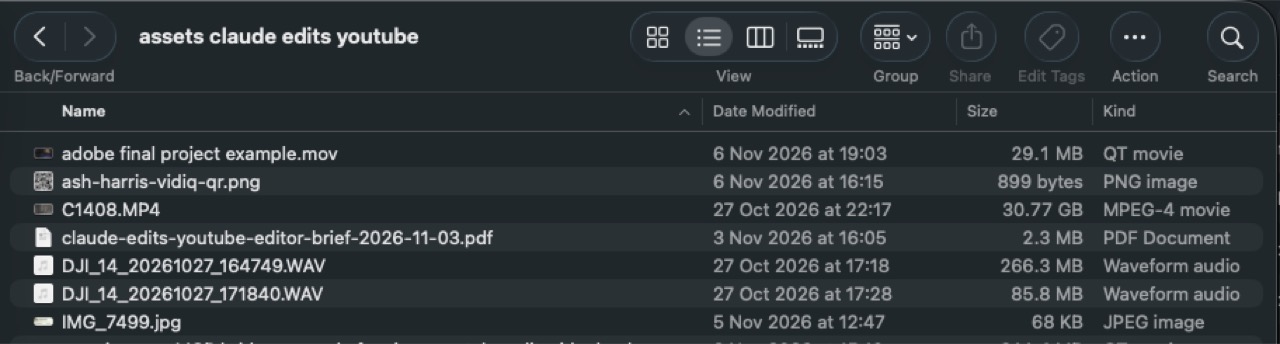
Your raw video, the mic recordings, any screen recordings, b-roll and screenshots, all in a single folder. Have the script you filmed from ready to paste in. This is the folder from the video.
Build the brief
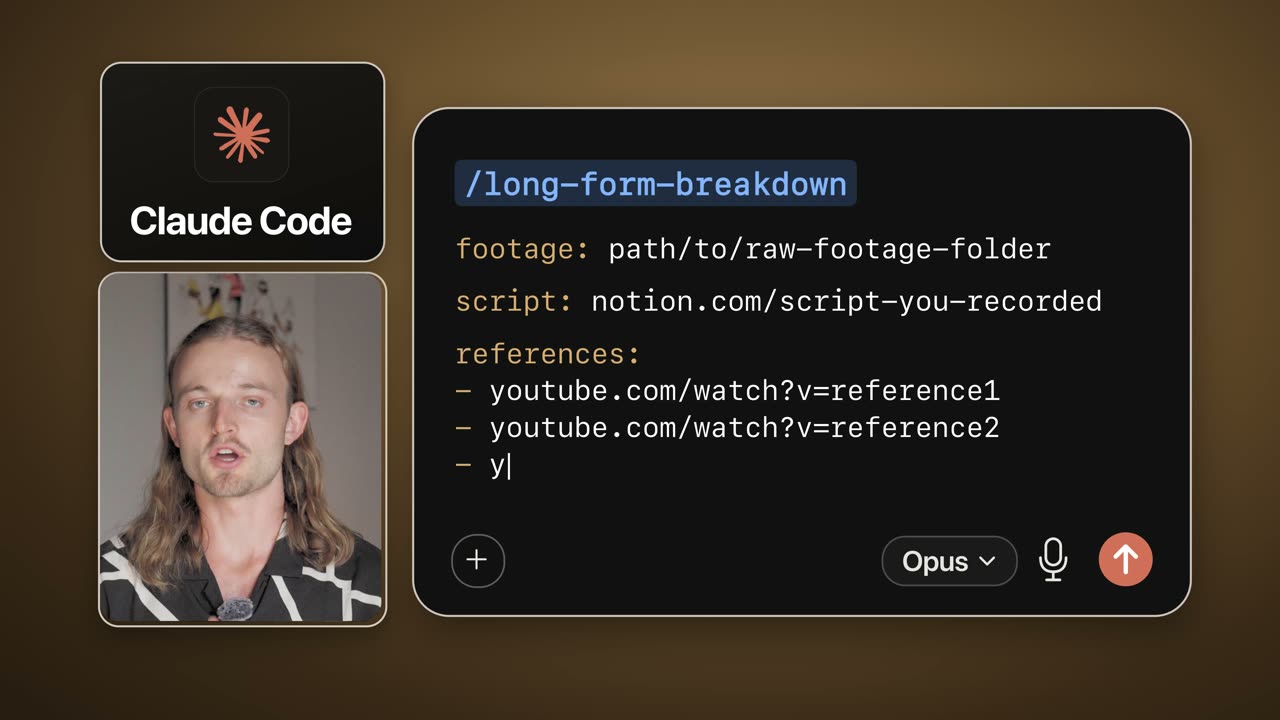
Start Claude Code and type /long-form-breakdown with the path to the folder, your script and any reference videos you already like. It does what a great editor does before touching a timeline:
- ▸Finds three reference videos for your concept (with vidIQ connected it uses the best outliers in your niche), downloads them and screenshots how they are built, section by section
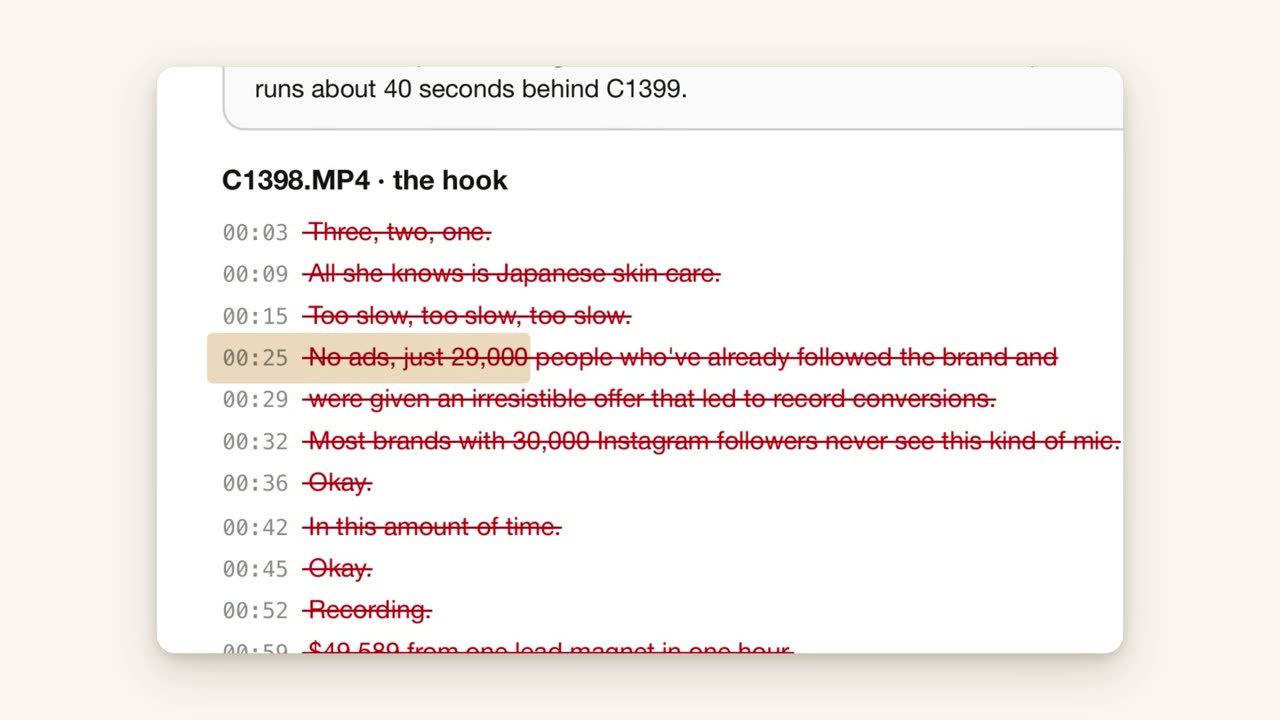
- ▸Transcribes your raw footage word by word with timestamps; Claude cannot hear audio, so the transcript is its ears
- ▸Reads it like an editor reads a script: the best take of each line, every restart, every line you trailed off and every pause over about a second
- ▸Suggests the graphics to add at each key line as green boxes, and flags swearing, wrong numbers and promises the cut no longer pays off
The references are the step most people skip. They are the benchmark Claude checks its own edit against, the same way producers A/B their mix against a song they love.
Edit to the brief
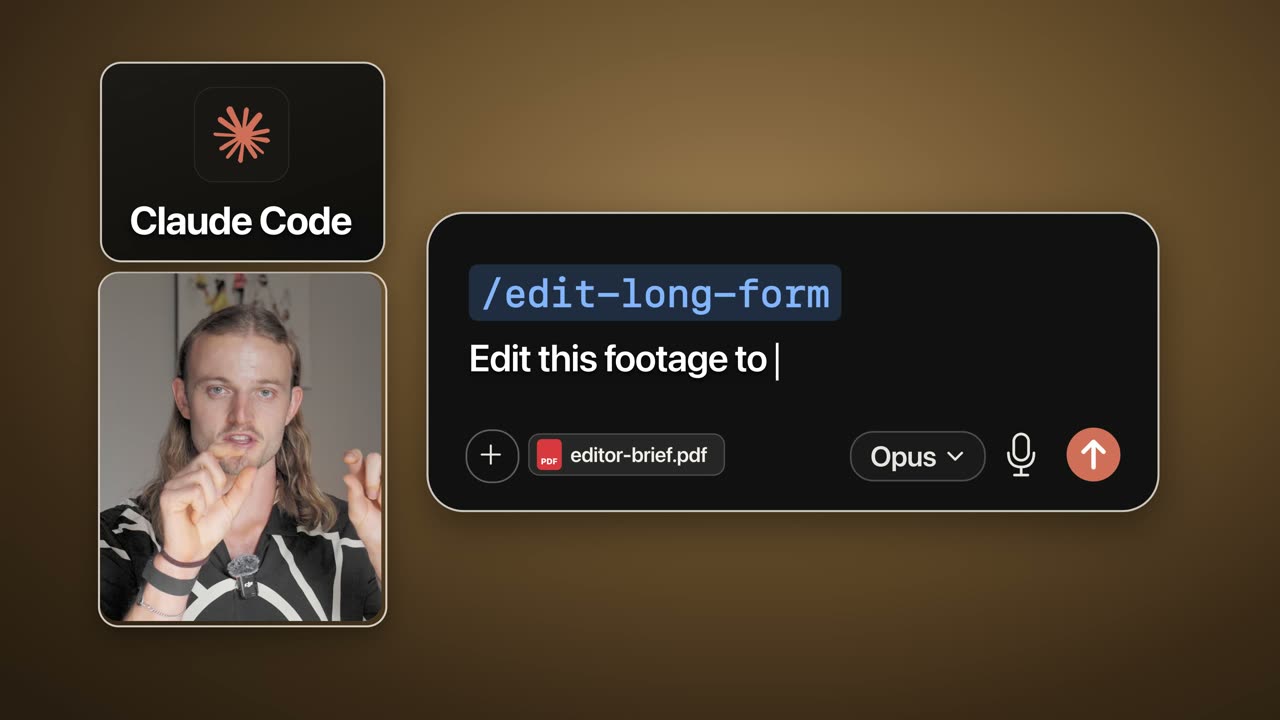
Drop the brief into the same Claude Code session with the footage and say "edit this footage to the brief". It works through the edit in the same stages an editor would:
- 1. Study the three references: the script, the pacing and the graphics at each key section
- 2. Transcribe the raw recordings word by word
- 3. Build the base layer cut: every filler, restart and dead pause removed
- 4. Grade the footage
- 5. Add and sync the b-roll and screen recordings
- 6. Build every graphic as code
- 7. Mix the audio with licensed music and sound effects
- 8. Check its own work, fix what it finds, then hand the edit back
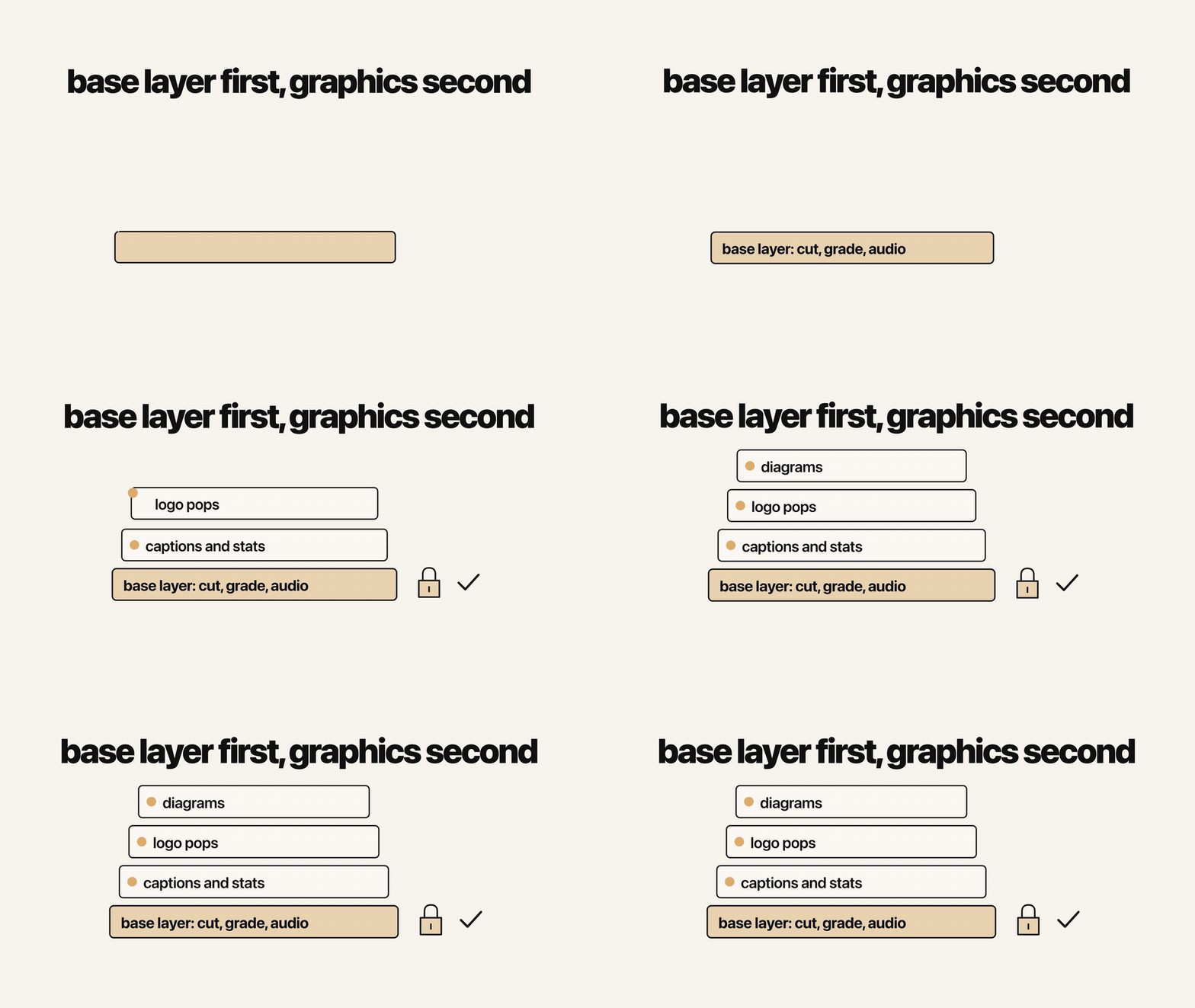
Lock the base layer before any graphics
Watch the base cut first and make your small trims then, even if they only move things by a few seconds. Once the base layer is locked, every graphic lands on the right word and you stop paying to regenerate graphics that drifted.
Give it rules so it cannot look generic
Left to itself, an AI edit looks like every other AI edit. Write your brand rules down in detail so it has nothing to guess. These are mine; swap in your own:
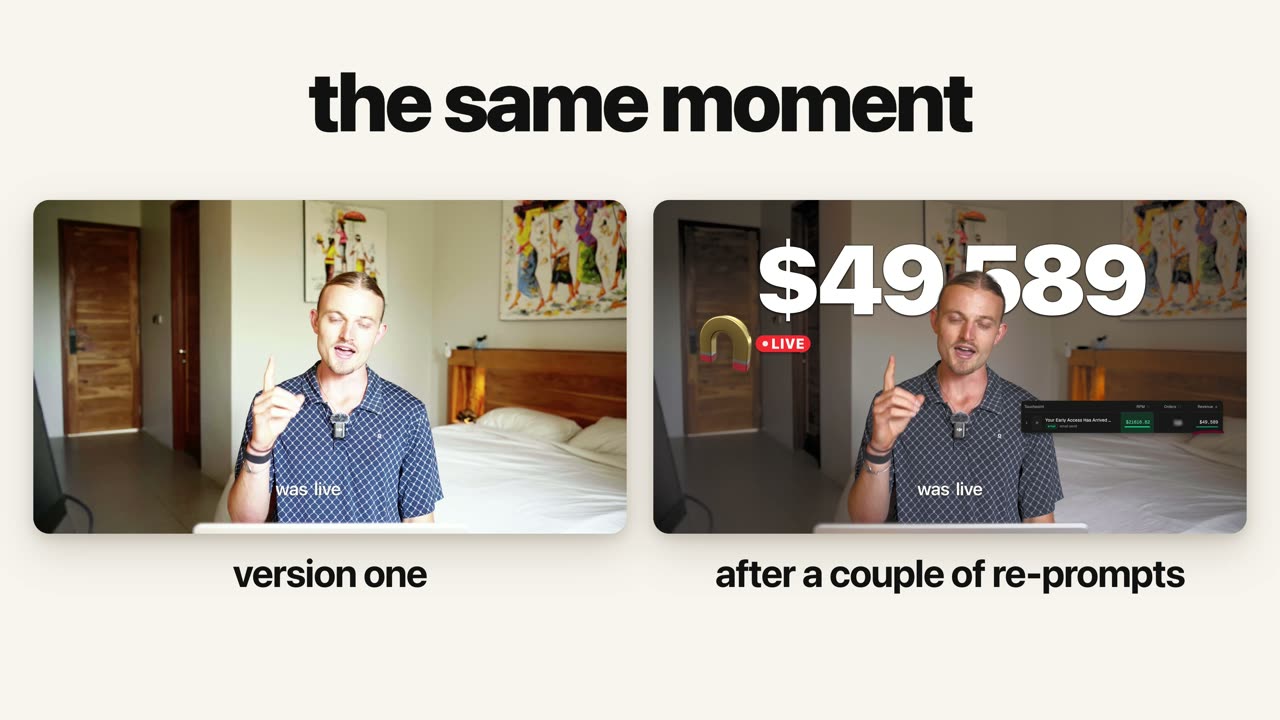
- ▸All on-screen text is white with a dark edge
- ▸No pills, no boxes
- ▸Nothing ever sits over my face
- ▸One font for the whole video
- ▸Logos pop on the word, not before or after it
- ▸Every graphic gets rendered, checked over the real footage and rebuilt until it passes
AI has no taste until you give it some. Once the rules are written down, every edit after that remembers them.
Land the edit in a timeline, not a render
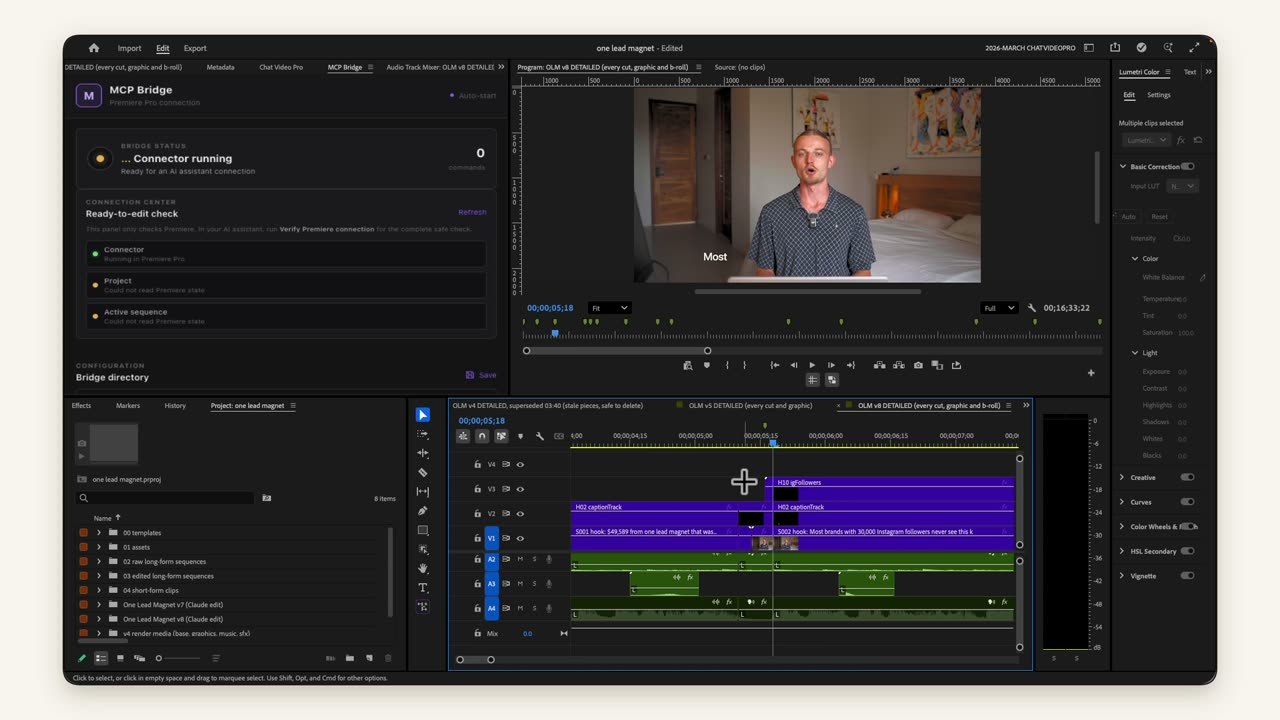
Re-prompting a whole edit can take hours to change and re-export. If you edit in Premiere Pro, have Claude hand back a real sequence instead: every cut its own clip, graphics grouped on their own tracks, music and sound effects on theirs. A gap that is two frames too long then takes you two seconds to close. This part is optional; the system edits the video end to end on its own.
 Premiere Pro MCP (free)→
Turn every repeat fix into a rule
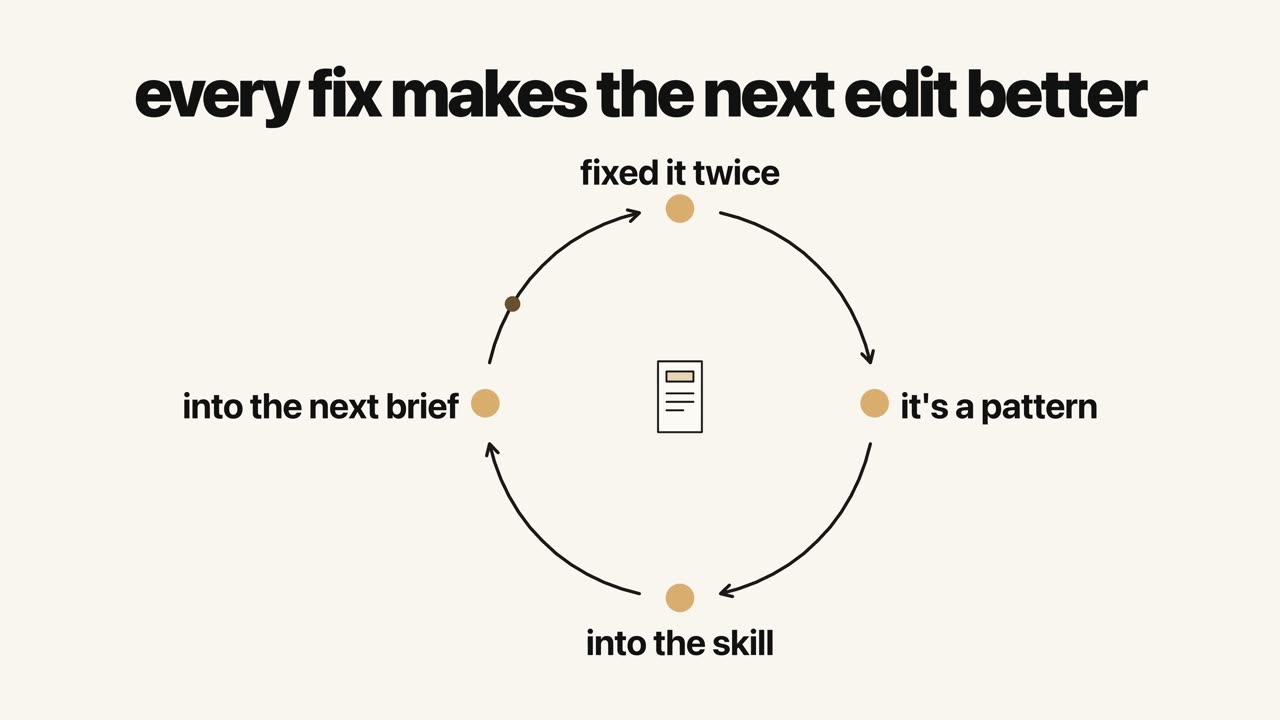
If you fix the same thing more than once, it is a pattern, not a one-off. Add it to the skill so the next brief carries it, and every edit is better than the last and takes half the time.